
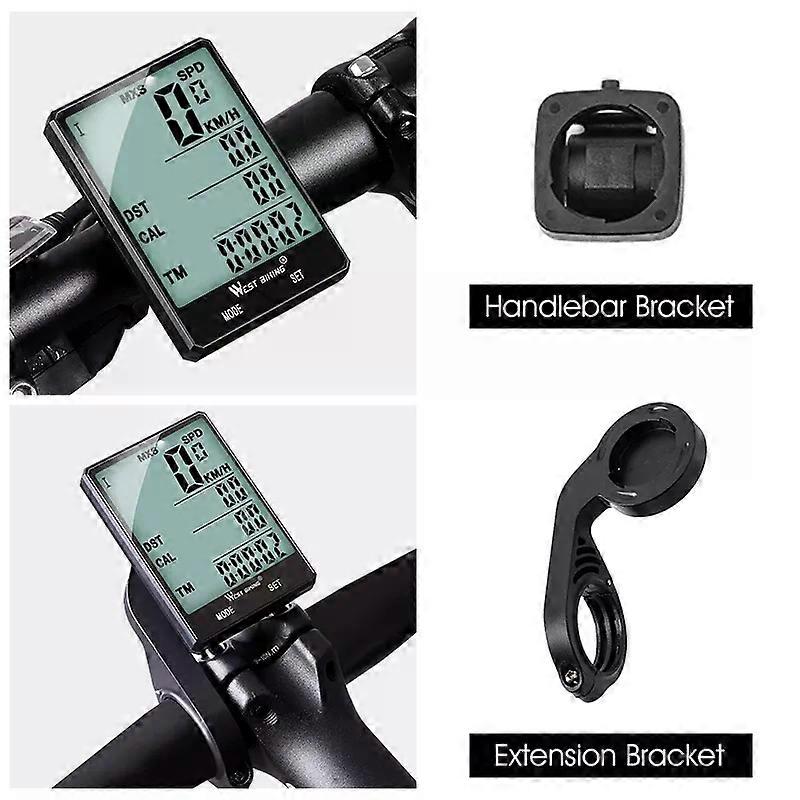
2.8" Large Screen Bicycle Computer Wireless Wired Bike Computer Waterproof Speedometer Odometer Cycling Stopwatch
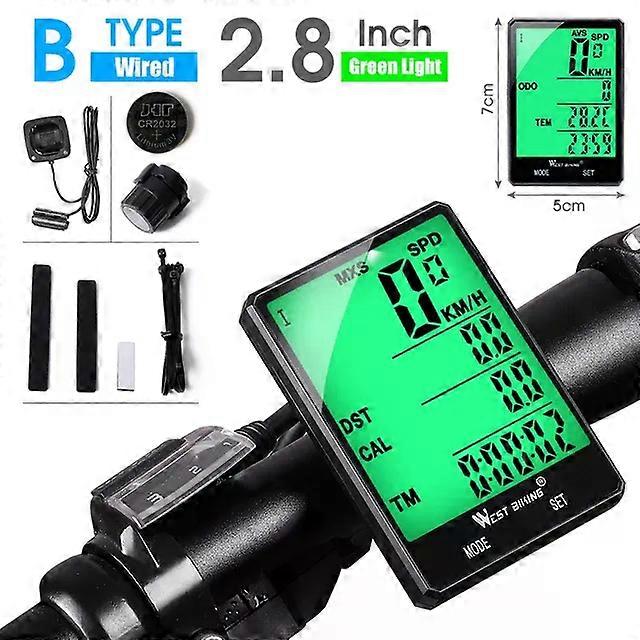
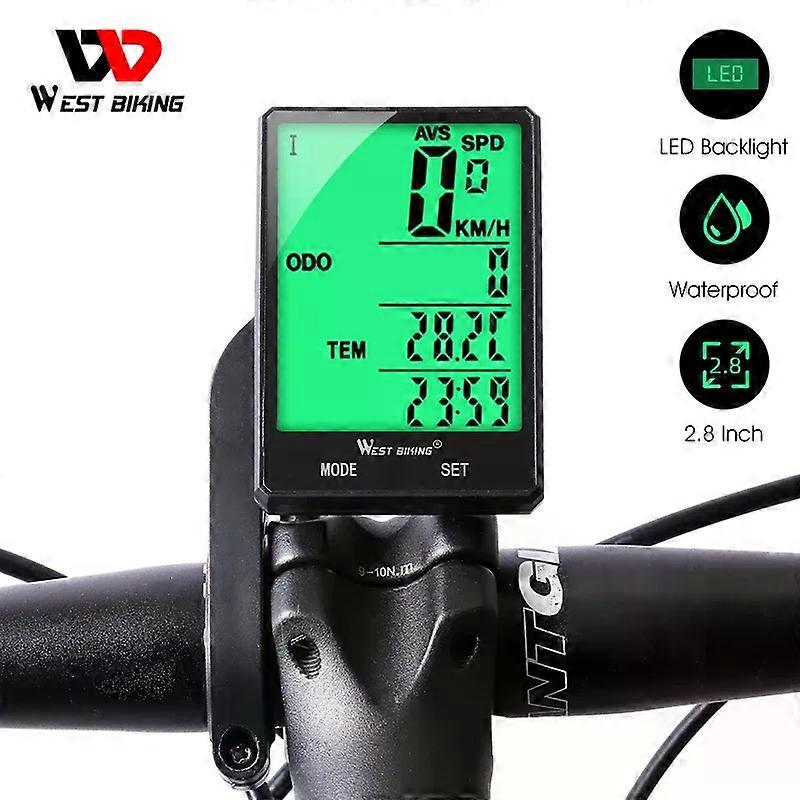
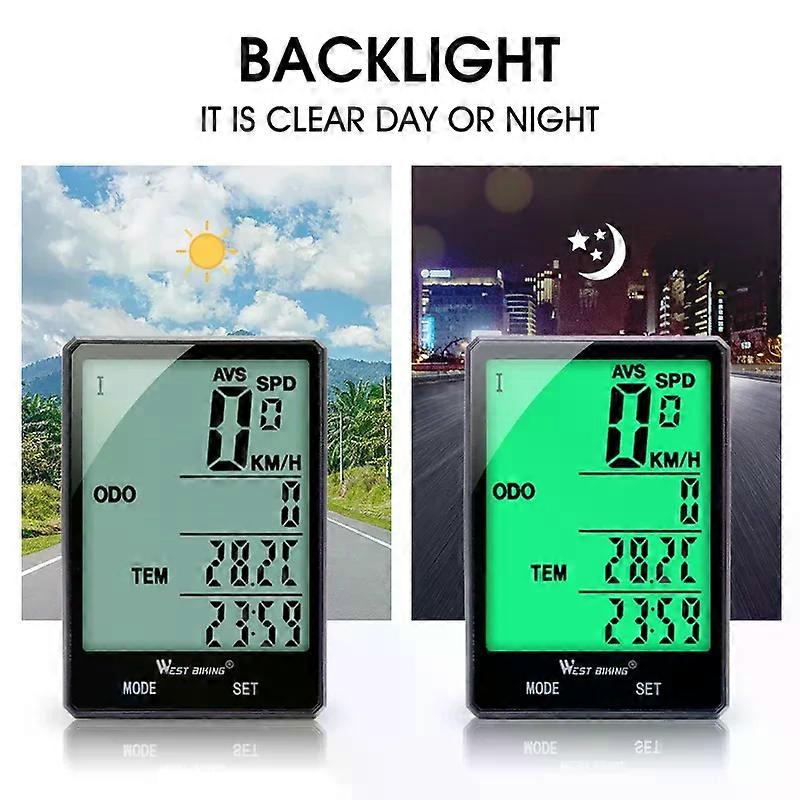
Multifunctional Bike Wireless Wired Computer 5 Styles Aailable A Extension Wirelss / A Extension Wired / B Handlebar Wireless / B Handlebar Wired / C Extension Wireless Button User Manual 1.KM/hr/(M/hr) SelectableAfter battery install,Setting KM or M,the default value is km/hour Press the SET bution to select the KM/hr(M/hr)Press the MODE button to confirm and enter into setting tyre circumference and ODO mode.2.Wheel I perimeter setting. the sceeen shows 2060(perimeter is 2060 mm).Setting the flashing number from right to left, press SET bution to change the number and press MODE button to confirm.Method 1: Follow the right Table Wheel spec chart to select the perimeter,press the SET button to change the value, press MODE to confirm,from right to let to set the value.You can also measure it by yourself by the following ways:Method 2.First make a mark on the ground when the nozzle is on the below.Then make the wheels run once the gas nozzle on the below again please mark. And measure the distance between the two marks you can get your wheel perimeter. if the distance is 1615 then you should input 1615.Method 3.Measure the diameter and muttiply 3.14 to get the perimeser.)the result is 1615 mefer,then you should input 1615.3.Weight setting1 The default value is 65 kg.the screen shows K065 and Kfashing.choose Kilogram K or Pound L then setting the value,Press SET button to choose and press MODE button to confirm.2 Press the MODE button to confirm and enter the Bicyecle Maintenance setting mode.4.Bicycle Maintenance setting1 Bicycle l Maintenance setting, the screen shows 0200,setting from right to left.Press SET button to change the flashing number and press MODE button to confirm.2 Bicycle ll Maintenance setting, screen shows 0800, setting from right to left.Press SET button to change the flashing number and press MODE button to confirm.(Tips: From the last setting or last instalil the battery, when the ODO adding value reaches the set value, the board hand symbol will flashing. press the MODE button 3s to cancel )5.ODO,CLOCK and TEM unit Seting (The left button is the mode button, press it to convert mode, and the right button is the setting button)Under ODO-TEM-CLOCK Mode,press SET button ODO flashing,press Set button again TEM flashing,press SET button again CLOCK icon flashing.when ODO flashing,press SET button for 3 seconds to set ODO valve.Press the SET button change the number ,press MODE button to confirm it,set from right to left.when TEM flashing,press SET button for 3 seconds to set the temperature unit.press SET button to change /F,press the mode button to confirm.when CLOCK icon flashing,press SET button for 3 seconds to set ODO valve.Press the SET button change time number ,press MODE button to confirm it,set from right to left.Press SET button to change number,press MODE button to confirm it.6.DST,AVS,MXS,TM,CAL and FAT clear to zeroUnder DST-CAL - TM or DST-FAT- SW mode, press SET button for 5 seconds to clear DST,AVS,MXS, TM,CAL and FAT value to zero.7.Memory functionAl cycling and seting data will be kept ater changing a batery.Bocause of this, the computer haven"'"t cleared to zero before sending to you.8.stop watchUnder DST-FAT- SW mode, press SET buton to start Stop watch press again to pause,then press MODE button to clear to zero.When stop watch is still working you can press MODE butlon it will go to ODO-TEM-CLOCK Mode;when you back to DST-FAT-SW mode you can pause and clear i to zero.it ranges from 0.00.00 to 9.59.59.9.current speedScreen will show current speed only when you are riding.Precision is 0.1KMh.Range at 0-99.9 KMh.Screen shows MXS or AVS wthen you are not niding10.Speed tendencyscreen will show a tendency when you are riding Speed up.it goes high.Speed down , it goes short11.Auto offAfter 300 seccnds no signal inputs the computer, the screen will turn into OFF state with only clock and date display. it will be restart when you press any button.12.Two Bicycle / usingUnder any mode press MODE buton for 6 seconds to change to another bicycle mode.13.Low power indicatorOnce the batlery voltage decreases to 2.5 v,the blank batery icon will be flashing on screen,that reminds you to change a new battery.14.ResettingPress both MODE and SET button for 6 seconds to reset KM/M. wheel perimeter weight/maintenance15.BacklightDuring 17:00-07 :00,sceeen will be llighted up for 4 seconds when you press any key.But if you want the screen always lighting at any time, press both SET and MOOE button for 1 seconds to keep the screen always lighting up.Press SET and MO0E bufton for 1 seconds again to cancel .
| Brand | Shenzhen Xinhui Electronics Co., Ltd |
|---|---|
| Colour | Wired Handlebar |
| Product ID | 352443166-767498996 |
| EAN | 9346493196624 |
Please see the product safety information specific to this product outlined below
The following information is provided by the independent third-party retailer selling this product.
Product Safety Labels
The following information outlines the contact information for the responsible person in the EU. The responsible person is the designated economic operator based in the EU who is responsible for the compliance obligations relating to the relevant product sold into the European Union.
| AED39.99 | STANDARD: | Estimated delivery date Fri 25 September 2026 ─ Mon 05 October 2026 |
Product is shipped from China.
Alternative shipping methods can be selected at checkout.
Products are shipped by the individual Fruugo retailers, who are located across Europe and the rest of the world. The delivery times and shipping prices vary depending on the retailer's location, the destination country and the selected delivery method.
Fruugo offers two delivery options: Standard Delivery or Express Delivery. All retailers offer a standard delivery service, and some retailers also offer an express delivery service.
- Standard Delivery – Domestic Standard delivery takes approximately 2-5 business days from dispatch, while an International Standard delivery takes 5-14 business days from dispatch. Normally track and trace and proof of delivery are not available on a standard service.
- Express Delivery – Domestic Express delivery takes approximately 1-2 business days from dispatch, while an International Express delivery takes 3-7 business days from dispatch. Usually track and trace and/or proof of delivery are available on an express service.
Although Fruugo retailers endeavour to deliver within these timescales, please note that the above timescales are estimated and not guaranteed.
The delivery timescales do not include any customs clearing times beyond Fruugo's control.
Please allow additional shipping time for deliveries to exceptional locations that are hard to reach, and also during busy periods such as Christmas.
All carriers deliver during normal business working hours and may require a signature on receipt, so please ensure your order is delivered to an address where someone will be available to accept it.
We do our best to ensure that the products that you order are delivered to you in full and according to your specifications. However, should you receive an incomplete order, or items different from the ones you ordered, or there is some other reason why you are not satisfied with the order, you may return the order, or any products included in the order, and receive a full refund for the items.
Certain products purchased at Fruugo cannot be returned. They fall in the following categories:
- goods which are clearly personalised or made to your specifications
- goods which are liable to deteriorate rapidly, eg fresh fruit, fresh flowers
- sealed goods which are not suitable for return due to health protection or hygiene reasons, if opened, eg make up, underwear, pierced jewellery
- sealed audio or video recordings or computer software, if opened
- newspapers, periodicals and magazines
Please take reasonable care of the goods whilst in your care. Any goods returned must be in a resaleable condition. They must be unworn/unused with original tags attached and in original packaging. It is your responsibility to ensure that the goods are appropriately packaged to ensure they are not damaged in return transit.
Notifying us of a return
If you wish to return an order, or some of the products included in an order, please notify Fruugo customer care within 14 days of receiving the goods, including the following information:
- your name,
- order number,
- the item(s) you wish to return, and
- optionally a reason for your return: unsatisfied with item, item didn't match description, damaged item, wrong item, or some other reason.
Our customer care will send you specific instructions on how to ship the return package(s) to the retailer(s). Please do not ship the return package before you receive the instructions.
Shipping products back to retailers
Goods must be returned without undue delay and in any event not later than 14 days after notifying us of your cancellation.
If you are returning products to several retailers, you should distribute the products accordingly and send the products to those retailers who shipped them to you initially.
We strongly recommend that you use registered mail (and insure any high-value packages), since neither Fruugo nor the retailer take responsibility for shipments that are lost or damaged during return transportation.
Please ensure you retain a proof of postage receipt so in the unlikely event your parcel goes missing, you will have proof you sent it.
Refunds
You will be refunded within 14 days of the retailer receiving back the goods. We will notify you by e-mail once the products reach the retailer and are accepted for return. Where a retailer has offered to collect the goods, you will be refunded within 14 days of cancelling your contract.
Unless a product or products you wish to return arrived to you damaged or faulty, you are responsible for the return transportation costs.
Providing you are returning all the products from a specific retailer, we will refund the standard shipping costs you paid for the original delivery. If you chose to pay for a non-standard delivery, we will only refund the cost of our least expensive, standard delivery.
Damaged or faulty goods
If you receive a damaged, broken, or defective product, please notify Fruugo customer care as soon as possible. Include at least the following information:
- your name,
- order number,
- name of the damaged product(s), and
- state the nature of the damage with attached photograph
We will generally instruct you to ship the damaged product back to the retailer. As soon as it reaches the retailer, they will send you a replacement product. If the replacement can't be made, or if you wish to cancel the order, you will be refunded in full. You will also be reimbursed for reasonable returns postage costs for damaged or faulty goods once we have received your postage receipt.
If the outer packaging of your order is clearly damaged on arrival, and you are suspecting that the products are damaged as well, you can either reject the delivery or accept the goods and sign for them as damaged. In both instances, please notify Fruugo customer care as soon as possible.
Refusing delivery
If you refuse to accept delivery of all or part of your order (where the products or packaging do not appear to be damaged or defective) you will be responsible for the postage charges. Any fees and charges incurred by the retailer due to a package being refused will be deducted from your merchandise refund.